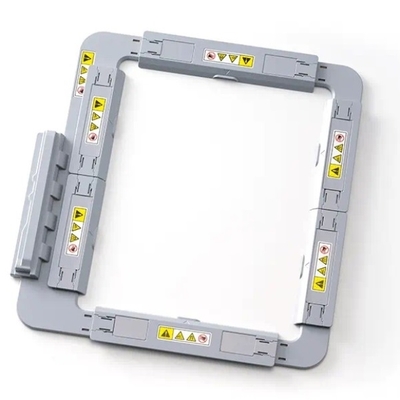
Suitable For Brother cutting machines ScanNCut:
SDX2240D, SDX2250D, SDX900, SDXTL, SDX1200, SDX135.

Order Line: +44 0121 359 5335

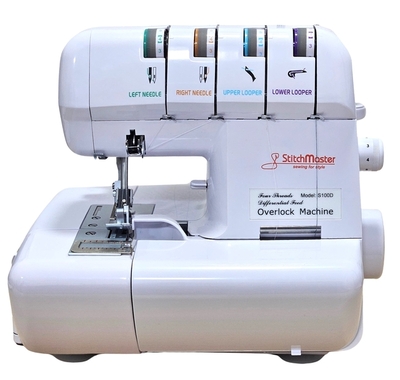
 Novum Easylock 960D 2,3 & 4 Thread Overlocker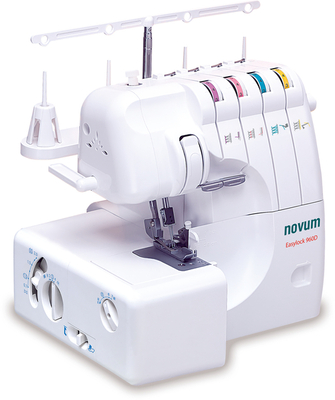
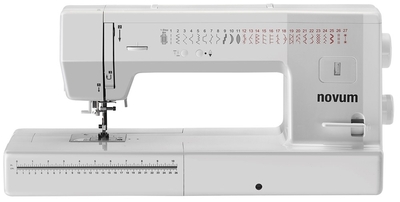
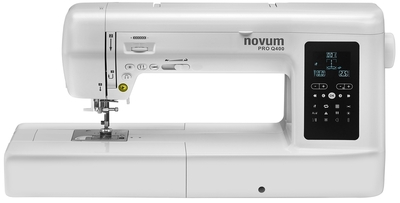
 Novum Pro Q500 Long Arm Computerised Sewing Machine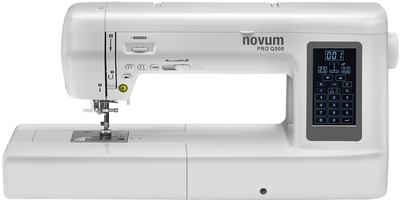
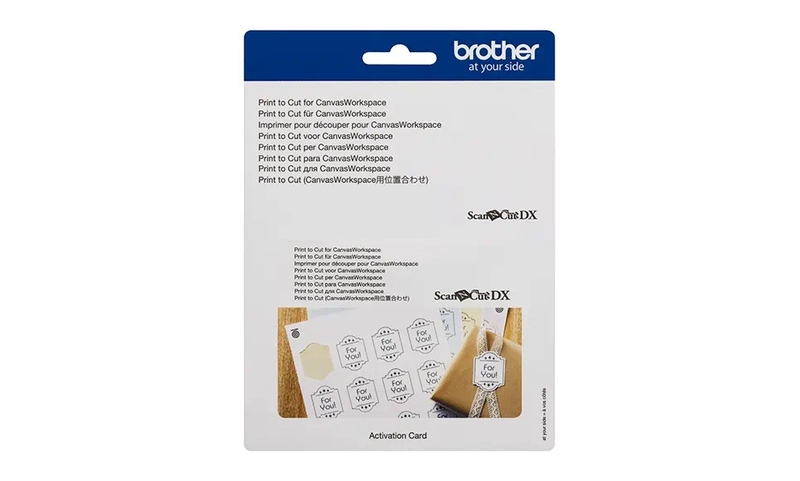
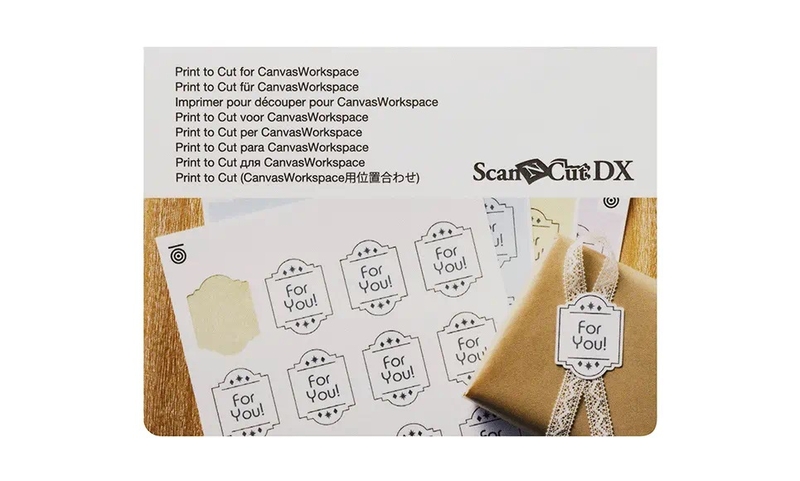
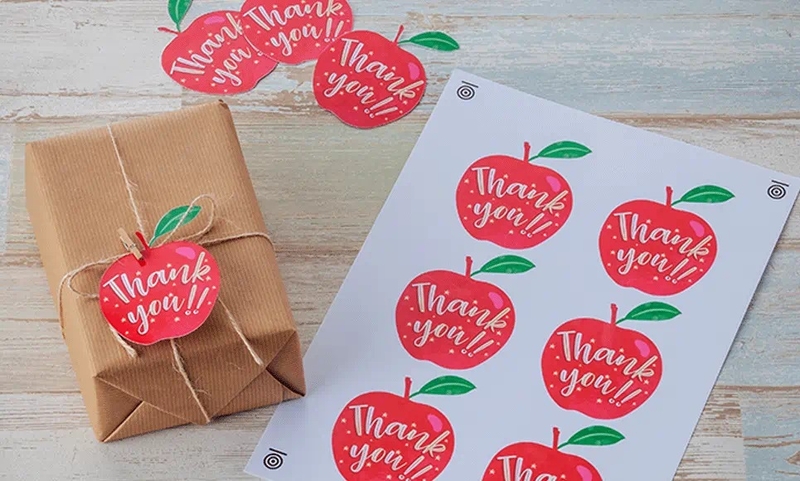
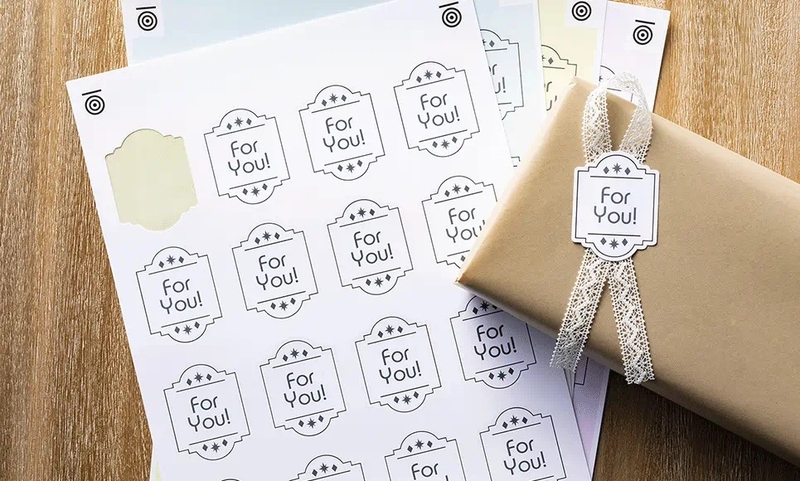





Suitable For Brother cutting machines ScanNCut:
SDX2240D, SDX2250D, SDX900, SDXTL, SDX1200, SDX135.

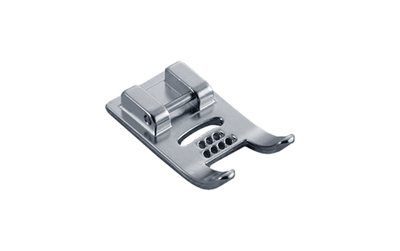
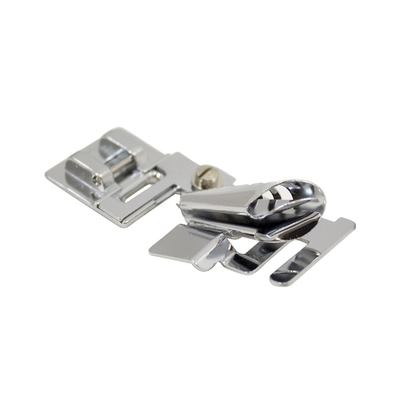
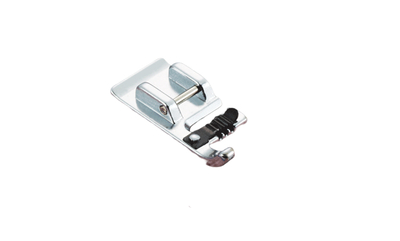
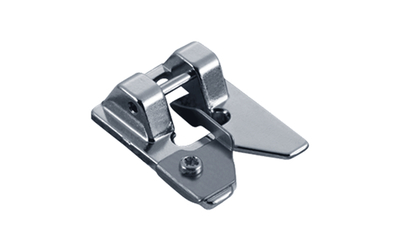












 Add to basketAdd to basketAdd to basketAdd to basketAdd to basket